
In this article, you will learn how to transfer existing phone lines or buy new numbers in JobyDesk.
Managing your phone numbers centrally allows you to organize your business lines into a clear directory. Whether transferring your established business numbers or obtaining new local lines, setting up proper caller routing ensures your clients can reach the correct team members every time.
Managing Your Phone Numbers
In order to acquire or transfer numbers, you will need to access your Phone Numbers tab inside the VoIP settings.
1. Access Phone Numbers: Navigate to the Phone Numbers tab in your VoIP settings.
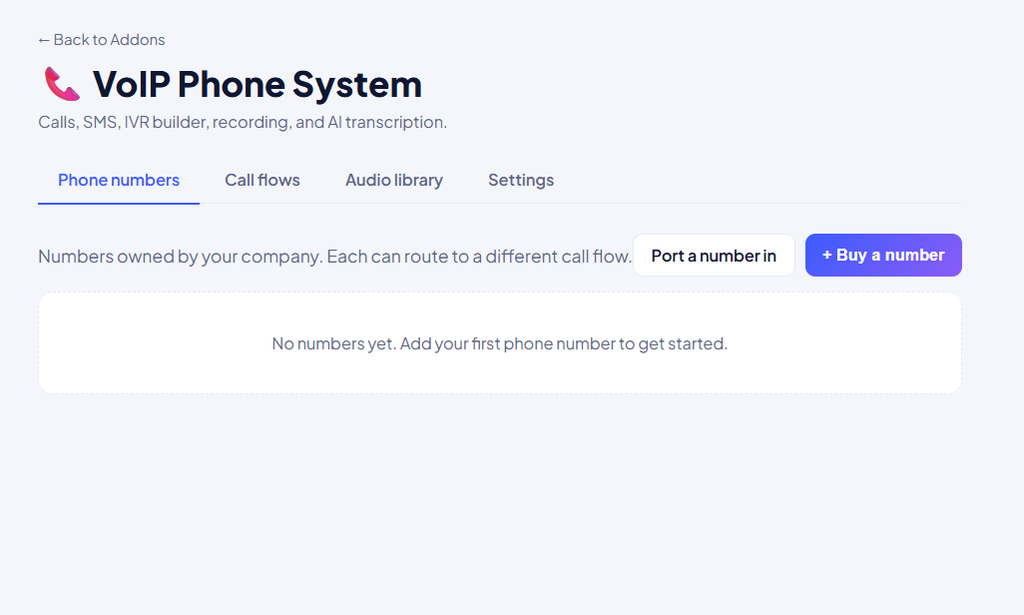
2. Transfer an Existing Line: Click Port a number in to bring over existing business lines.
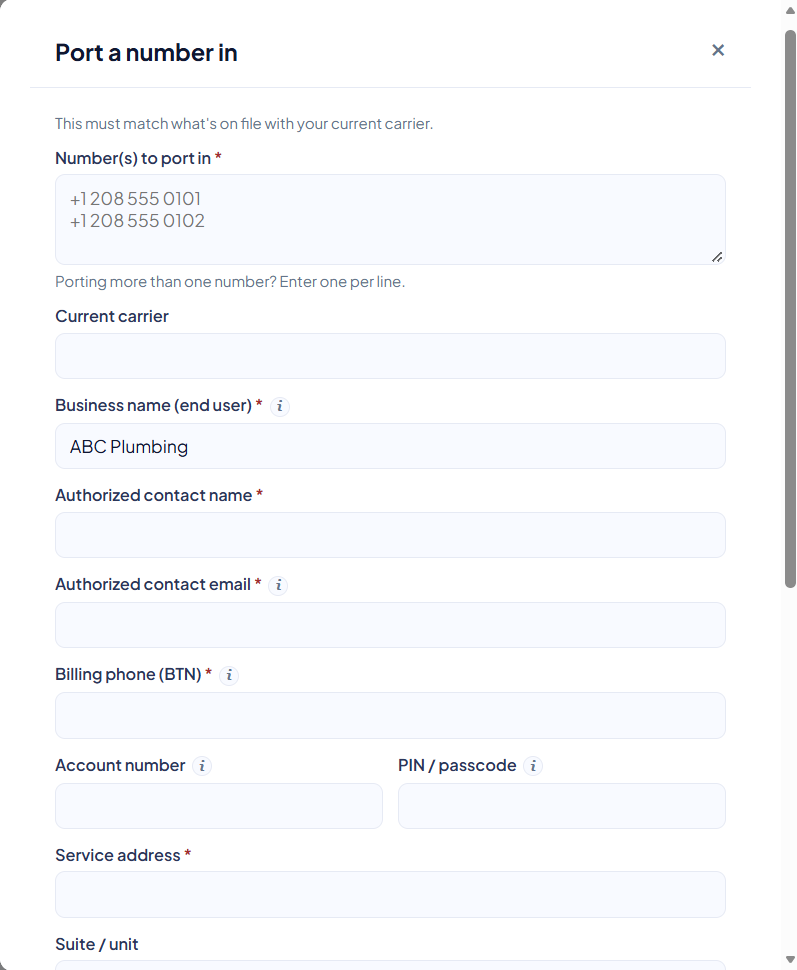
- Fill out the required form fields, including current carrier, business name, authorized contact information, billing phone number, account number, PIN or passcode, and service address.
- Enter multiple numbers if needed by placing one phone number per line.
- Select your Port Type (Full Port or Partial Port).
- Set a Requested Date for the transfer, or leave it blank to complete the port as early as possible.
- Optionally upload a copy of a recent bill to speed up carrier approval.
- Click Submit.
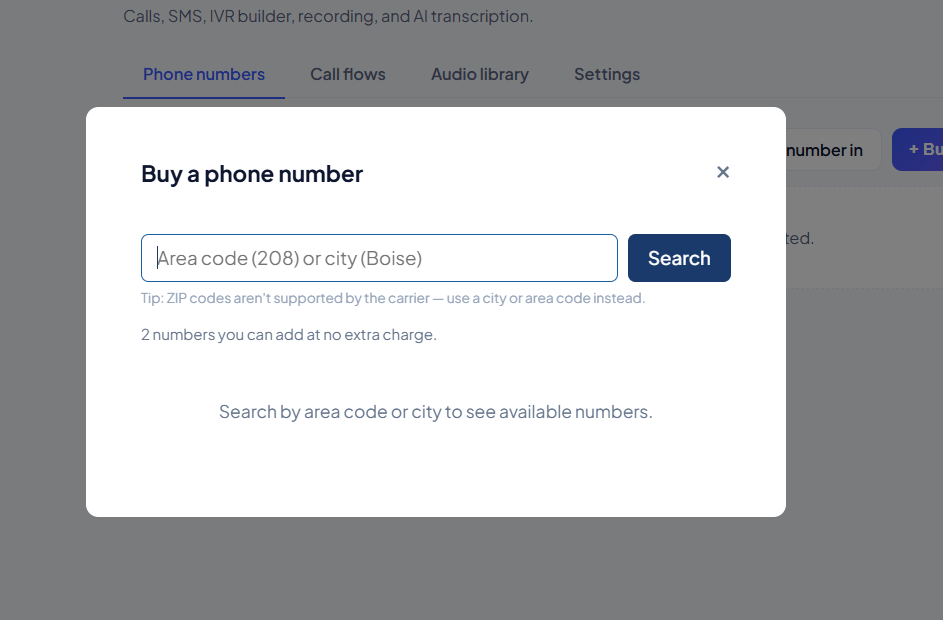
3. Buy a New Line: Click Buy a number to search for and acquire a new local line by area code or city.
4. Configure Active Lines: Select an active number from your dashboard to edit its settings.

- Name your phone line.
- Link the number to a specific call flow.
5. Assign Phone Line: Click the Assigned to drop-down menu.

- Select Anyone so all office admins and dispatchers receive incoming calls and texts.
- Select a specific team member from the list to assign the line directly to them.
Note
When porting a number, all details must perfectly match what is on file with your current carrier to avoid delays. Upon submission, an email with a letter of authorization will automatically be sent to your authorized contact to sign electronically. Additionally, new numbers may show a Pending status for texting while standard telecom carriers verify the line for SMS messaging.
Once your numbers are assigned, you can link them to custom audio routes or configure call logging and AI transcriptions.